HomeApp tour
Richie AI
Set the tone of the AI assistant that helps write your push messages.
Where: Mailings, then Richie AI.
Richie is the built-in AI assistant. It helps write push messages. On this page you control how it sounds.
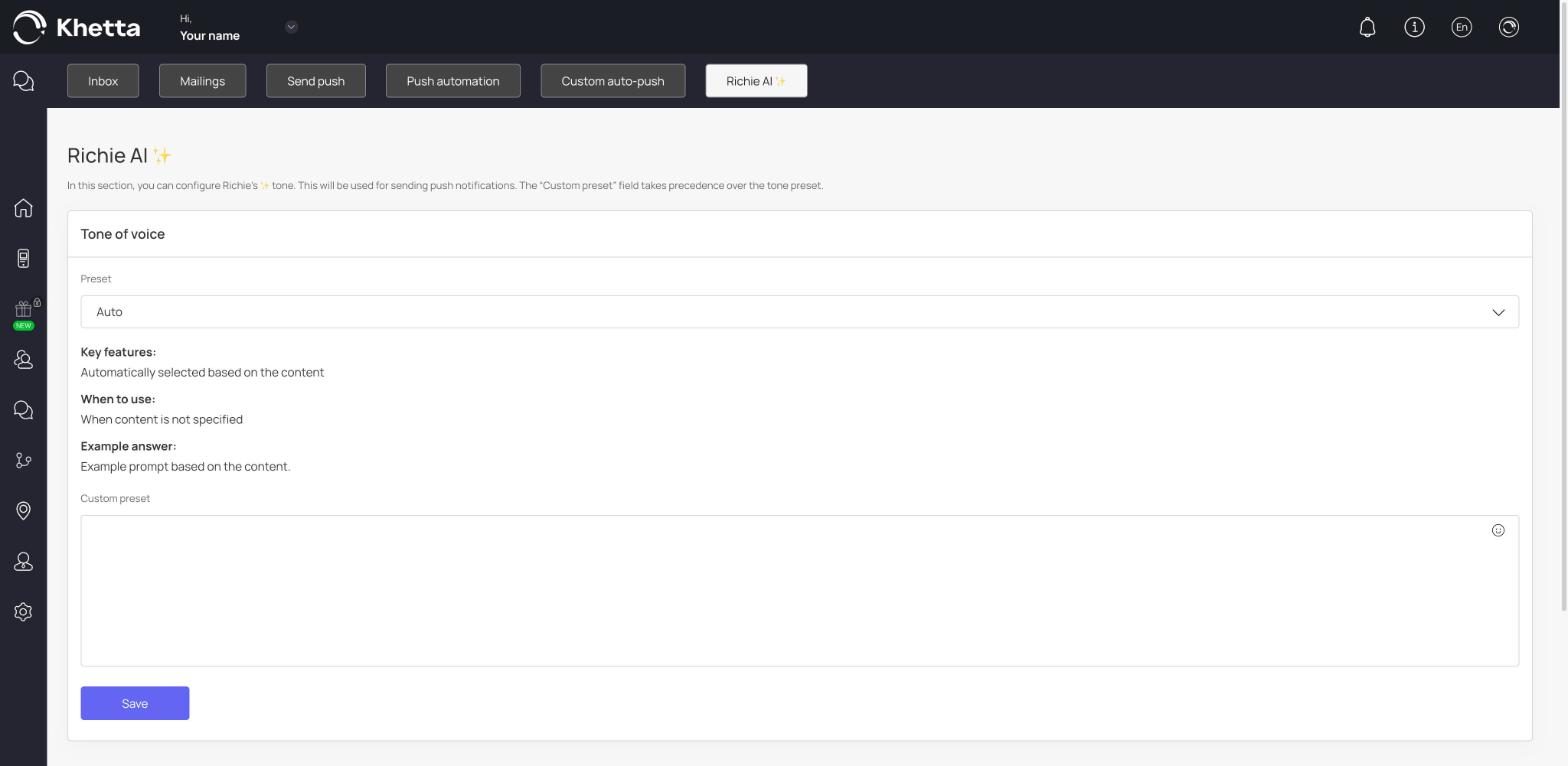
Tone of voice#
- Preset: choose a ready-made tone. The default is Auto, which picks a tone based on the content of your message. Auto is a good choice when you have not decided on a style yet.
- Custom preset: write your own instruction, for example "Friendly and short. Use simple English. No emojis." If you fill this in, it takes priority over the preset.
Click Save to apply.
History#
The History list on this page shows past messages in this section.