HomeApp tour
Managers
Cashier and staff accounts, their profiles, statistics and the Scanner App link.
Where: Dashboard, Managers in the left-hand menu.
Managers are the people on your team who use the Scanner App. Every manager has their own login.
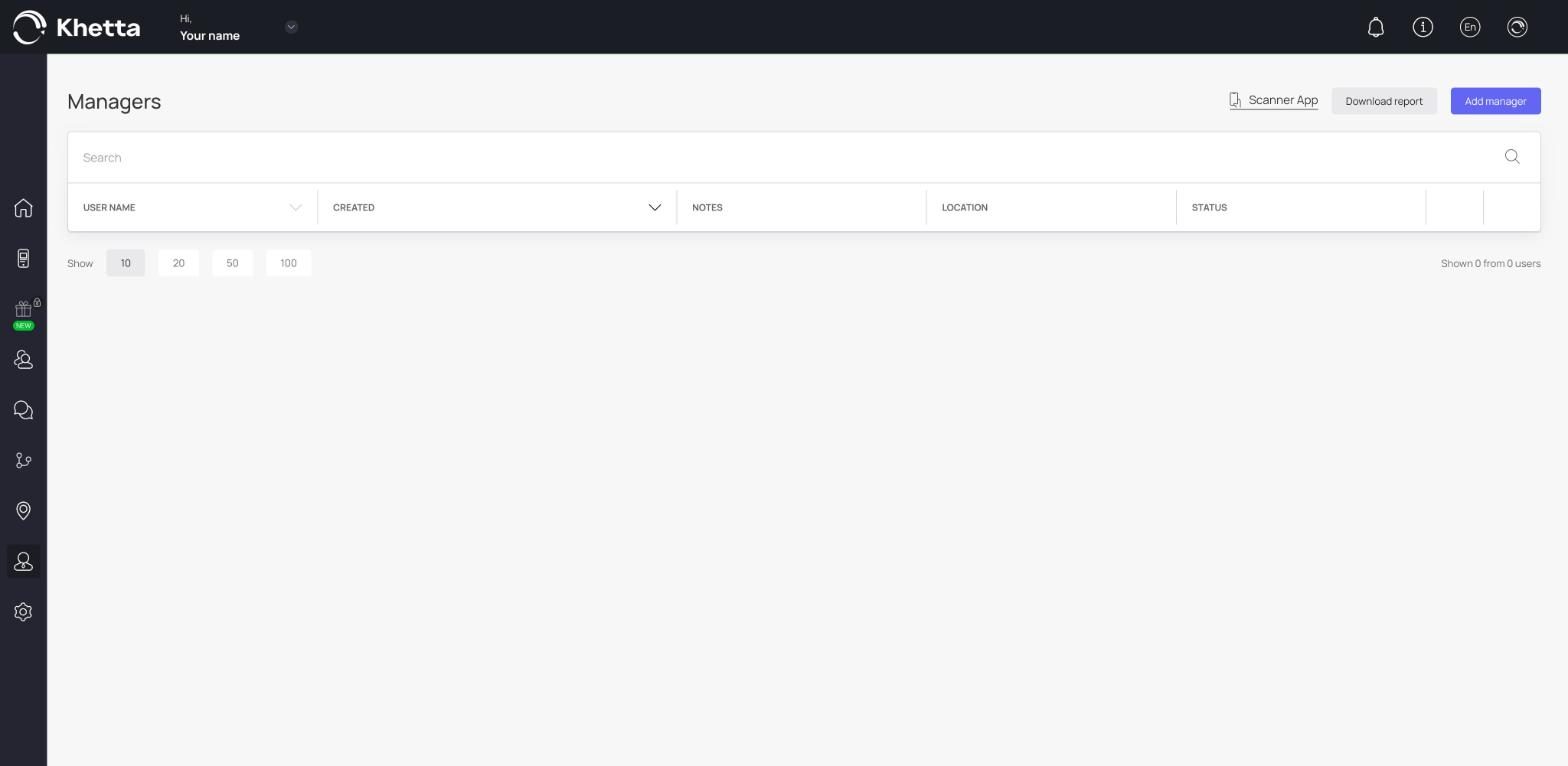
The managers list#
The table has User name, Created, Notes, Location and Status. At the top are three buttons:
- Scanner App: opens the Scanner App.
- Download report: exports a report of manager activity.
- Add manager: creates a new account. See Add a cashier.
A manager's profile#
Click a name to open the profile. At the top are tiles for Name, Registration date, Status, Location, Number of transactions and Last transaction date.
Below that:
- Information: the account details. You can edit them and click Save. The Delete button at the bottom removes the manager.
- Last transactions: a table of the manager's most recent transactions, with the customer name, date, phone, device, card, event, amount and balance.
Why separate accounts matter#
- You can see who handled each transaction.
- You can compare how many transactions each cashier handles, and reward the best ones.
- You can remove one person without changing anyone else's login.