Automations
Build rules that react to customer events, such as card delivery.
Where: Dashboard, Automations in the left-hand menu.
Automations are rules that run by themselves when something happens with a customer. They are a step more powerful than a single push message because they can be set up per event.
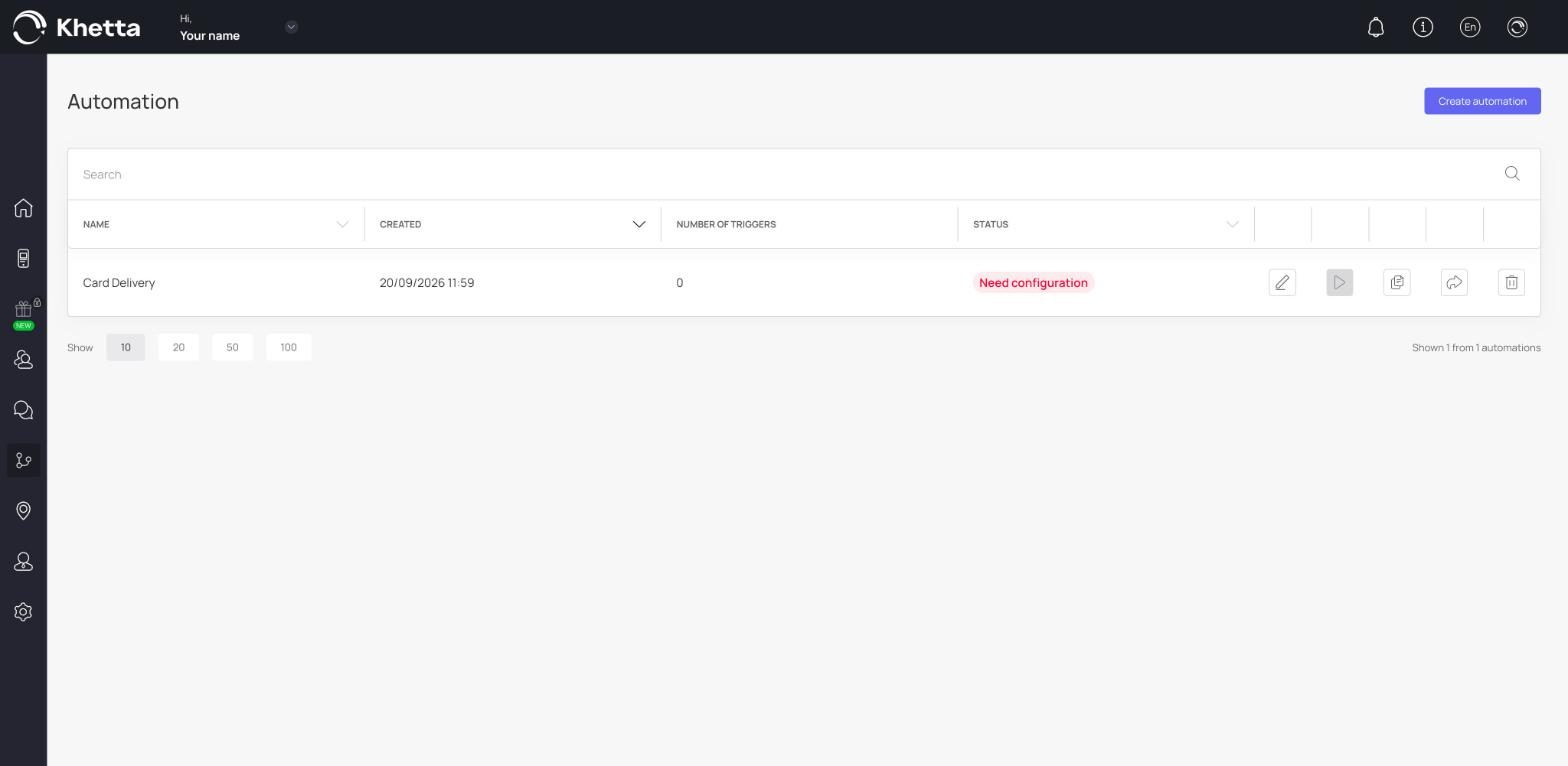
The automations list#
The table shows each automation with its name, when it was created, the number of triggers it contains and its status.
Your account starts with an automation called Card Delivery, which is about how customers receive their card after signing up. Its status shows Need configuration until it has been set up. Open it to see what it needs, or ask Khetta to set it up with you.
Create an automation#
Click Create automation, give it a name and add its triggers and actions.
When to use Automations vs push messages#
| You want to... | Use |
|---|---|
| Send one message to many customers now | Send push |
| Send a birthday, feedback or reminder message | Push automation |
| React to a specific event with your own timing | Custom auto-push |
| Control how cards are delivered or connect other channels | Automations |
If you are not sure how to set up an automation for your business, ask Khetta. This section is flexible, and a quick setup session saves time.