HomeApp tour
Custom auto-push
Design your own automatic push messages triggered by events.
Where: Mailings, then Custom auto-push.
Custom auto-push lets you create your own rules: when this happens, wait this long, then send this message. You can create as many as you like, and they are free.
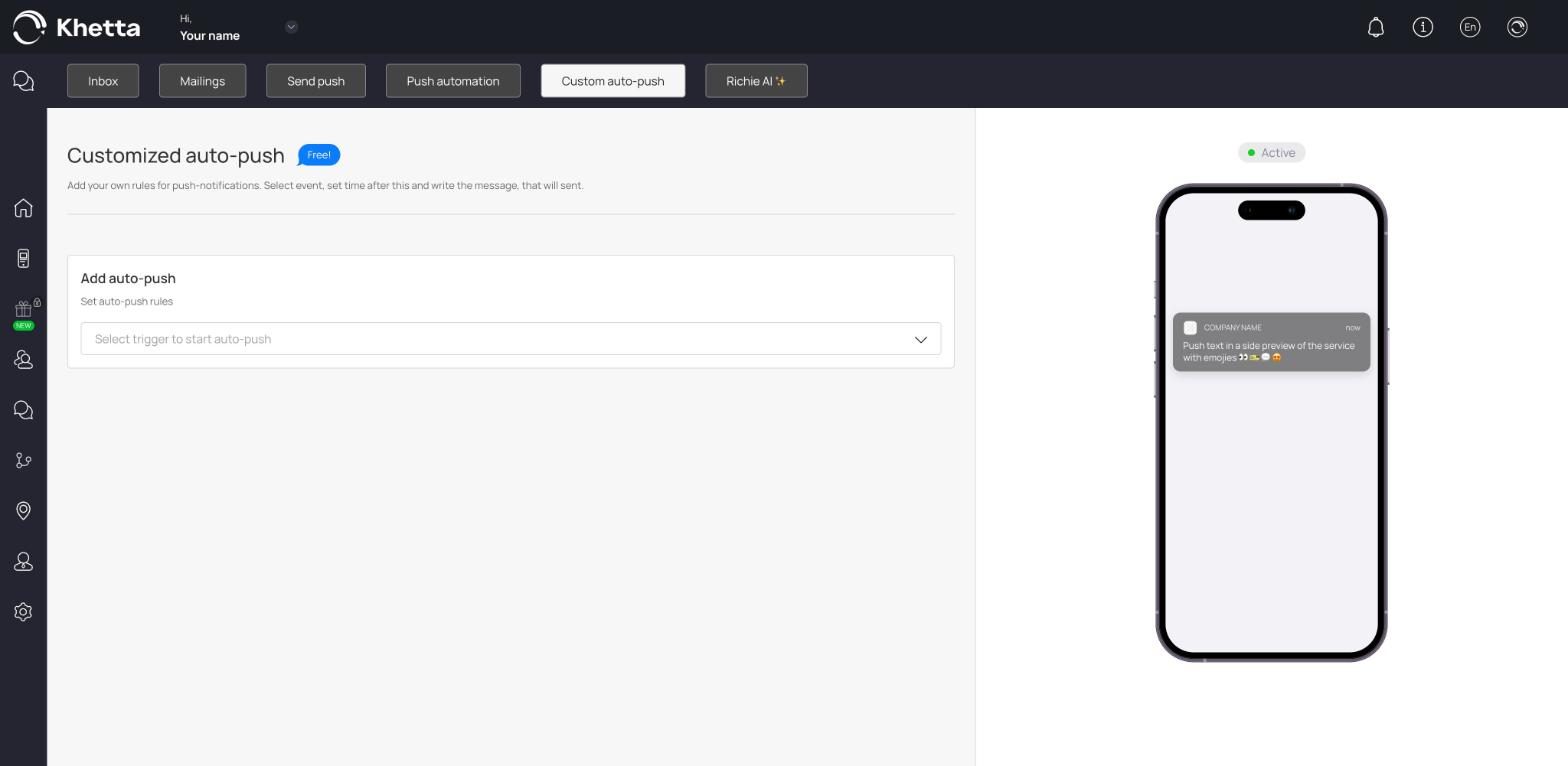
Create a rule#
- Click Add auto-push.
- Under Set auto-push rules, open Select trigger to start auto-push and choose the event. Examples are a customer installing a card or using a coupon.
- Depending on the trigger, extra fields appear. Fill in the criteria.
- Write the Message.
- Set the delay with Message to be displayed after: a number, then a unit (minutes, hours, days and so on).
- Choose which cards the rule applies to.
- Click Save.
Examples#
| Trigger | Delay | Message idea |
|---|---|---|
| Customer installs the card | 1 hour | "Welcome! Show this card at your next visit to start collecting stamps." |
| Customer uses a coupon | 2 days | "Hope you enjoyed it. Your stamp card is ready, come back soon." |
Difference from Push automation#
Push automation has three fixed messages (birthday, feedback, next visit). Custom auto-push lets you choose your own triggers and wording. Use Push automation first, and add Custom auto-push when you need something specific.