HomeApp tour
Promotions
Time-limited offers on top of your loyalty card.
Where: Cards, then the Promotions tab.
A promotion is a special offer that runs alongside your normal card, for example extra stamps for a week or a bonus on a slow weekday.
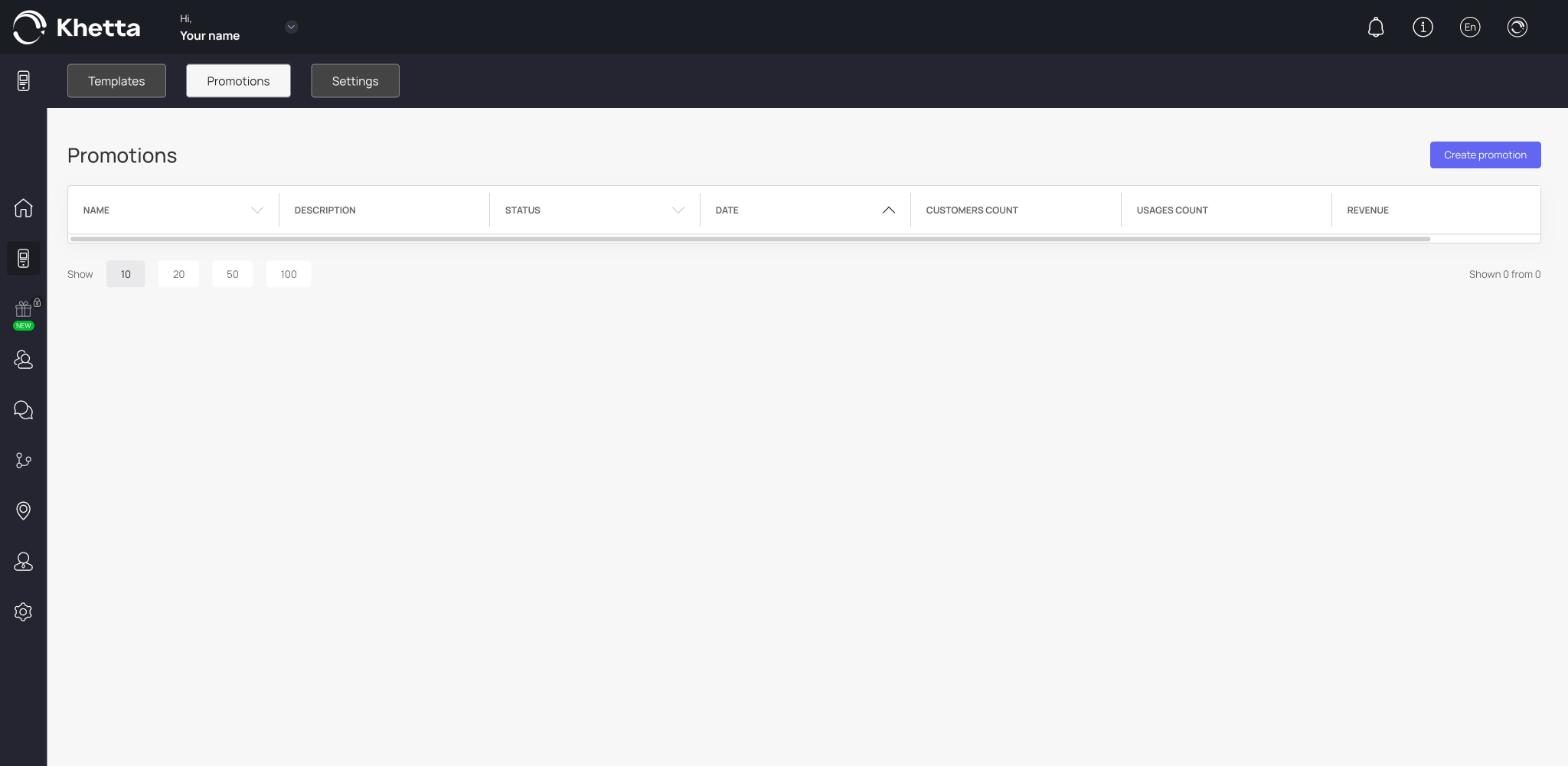
The promotions list#
The table shows, for each promotion:
| Column | Meaning |
|---|---|
| Name and Description | What you called it and what it is |
| Status | Whether it is active |
| Date | When it runs |
| Customers count | How many different customers took part |
| Usages count | How many times it was used in total |
| Revenue | Revenue linked to the promotion |
Use Show at the bottom (10, 20, 50 or 100) to choose how many rows to display.
Create a promotion#
Click Create promotion. You can also create one from inside the card builder, in the Promotions setting. Give it a name and a description, choose the dates, and attach it to the card.
Use promotions well#
- Keep them short. A week or a weekend works better than a month.
- Announce them. Send a push message the day it starts.
- Look at Revenue and Usages count afterwards to see whether it paid off.